

About blocks
Prefect blocks store configuration and provide an interface for interacting with external systems. Blocks expose methods that provide functionality specific to these systems. For example, you can use blocks to:- Download data from, or upload data to, an S3 bucket
- Query data from, or write data to, a database
- Send a message to a Slack channel.
prefect block type ls
from the CLI or navigate to the Blocks page in the UI and click +.
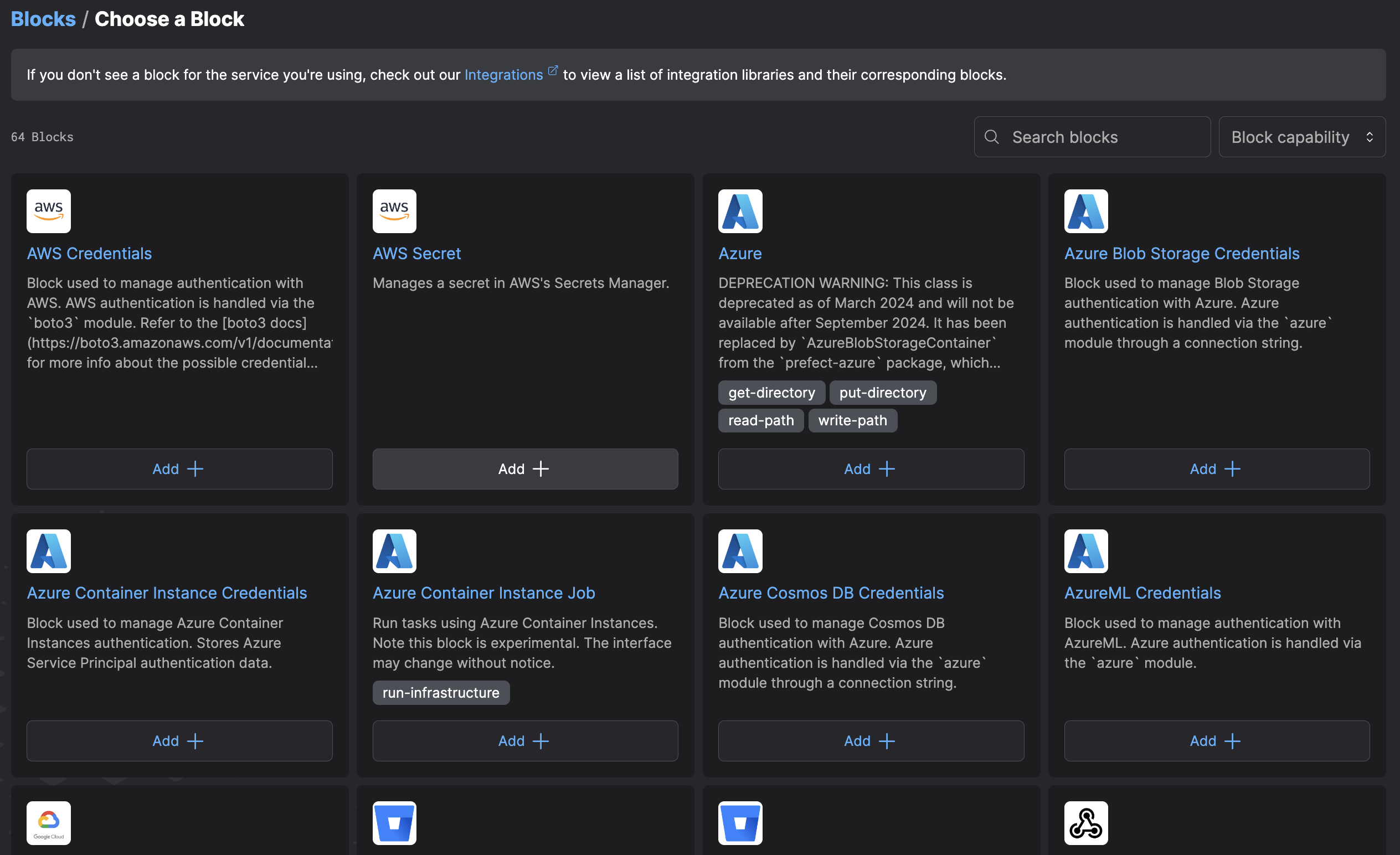
Prefect built-in blocks
Commonly used block types come built-in with Prefect. You can create and use these block types through the UI and without installing any additional packages.Blocks in Prefect integration libraries
Some block types that appear in the UI can be created immediately, with the corresponding integration library installed for use. For example, an AWS Secret block can be created, but not used until theprefect-aws library is installed.
Anyone can create block types and optionally share them with the community.
Find available block types in many of the published Prefect integrations libraries.
If a block type is not available in the UI, you can register it through the CLI.
Use existing block types
Blocks are classes that subclass theBlock base class. You can instantiate and use them like normal classes.
Instantiate blocks
To instantiate a block that stores an S3 bucket value, use theS3Bucket block:
Save blocks
To retrieve this saved value use the.save() method:
overwrite=True:
S3Bucket by setting the name parameter to a new value:
Load blocks
You can use the block name to load the block:S3Bucket block from above, run the following:
Delete blocks
Delete a block with the.delete() method:
Create a new block type
To create a custom block type, define a class that subclassesBlock. The Block base class builds
on Pydantic’s BaseModel, so you can declare custom blocks just like a Pydantic model.
Here’s a block that represents a cube and holds information about the length of each edge in inches:
Cube block type in a flow:
Secret fields
All block values are encrypted before being stored. If you have values that you would not like visible in the UI or in logs, use theSecretStr field type provided by Pydantic to automatically obfuscate those values.
You can use this functionality for fields that store credentials such as passwords and API tokens.
Here’s an example of an AWSCredentials block that uses SecretStr:
aws_secret_access_key has the SecretStr type hint assigned to it,
the value of that field is not exposed if the object is logged:
SecretDict field type allows you to add a dictionary field to your block
that automatically obfuscates values at all levels in the UI or in logs.
This functionality is useful for blocks where typing or structure of secret fields is not known until configuration time.
Here’s an example of a block that uses SecretDict:
system_secrets is obfuscated when system_configuration_block is displayed, but system_variables show up in plain-text:
Block type metadata
Set metadata fields on a block type’s subclass to control how a block displays. Available metadata fields include:Nested blocks
Blocks are composable: a block can be used within other blocks. You can create a block type that uses functionality from another block type by declaring it as an attribute. Nestable blocks are loosely coupled, and configuration can be changed for each block independently. This allows sharing configuration across multiple use cases. For example, here’s an expandedAWSCredentials block that enables an authenticated session through the boto3 library:
AWSCredentials block within an S3Bucket block to provide authentication when interacting with an S3 bucket:
S3Bucket block with previously saved AWSCredentials block values in order to interact with the configured S3 bucket:
AWSCredentials are saved with my_s3_bucket and are not usable with any other blocks.
Update custom Block types
Here’s an example of how to add a bucket_folder field to your custom S3Bucket block; it represents the default path to
read and write objects from (this field exists on our implementation).
Add the new field to the class definition:
Register blocks
Prefect comes with many blocks pre-registered and ready to use. If you do not have a block available for use, you can register it. Register blocks from a Python module available in the current environment with a CLI command:.py file, you can register the block with the CLI command: