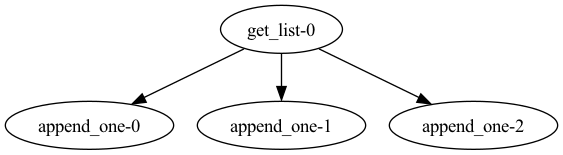
.visualize() method.
Calling this method attempts to produce a schematic diagram of your flow and tasks without
actually running your flow code.
To use the visualize() method, you must havae Graphviz installed and on your PATH.
Please install Graphviz from http://www.graphviz.org/download/.
Just installing the
graphviz python package is not sufficient.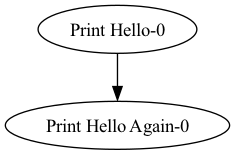 Prefect cannot automatically produce a schematic for dynamic workflows, such as those with loops or
if/else control flow.
In this case, you can provide tasks with mock return values for use in the
Prefect cannot automatically produce a schematic for dynamic workflows, such as those with loops or
if/else control flow.
In this case, you can provide tasks with mock return values for use in the visualize() call.