> ## Documentation Index
> Fetch the complete documentation index at: https://prefect-bd373955-pytest-markdown.mintlify.site/llms.txt
> Use this file to discover all available pages before exploring further.
# Manage Prefect Cloud API keys
> Create an API key to access Prefect Cloud from a local execution environment.
API keys enable you to authenticate a local environment to work with Prefect Cloud.
If you run `prefect cloud login` from your CLI, you can authenticate through your browser or by pasting an API key.
Authenticating through the browser directs you to an authorization page.
After you grant approval to connect, you're redirected to the CLI and the API key is saved to your local
[Prefect profile](/3.0rc/manage/configure-client/).
If you choose to authenticate by pasting an API key, you must create an API key in the Prefect Cloud UI first.
## Create an API key
1. Select the account icon at the bottom-left corner of the UI.
2. Select **API Keys**.
The page displays a list of previously generated keys, and allows you to create or delete API keys.
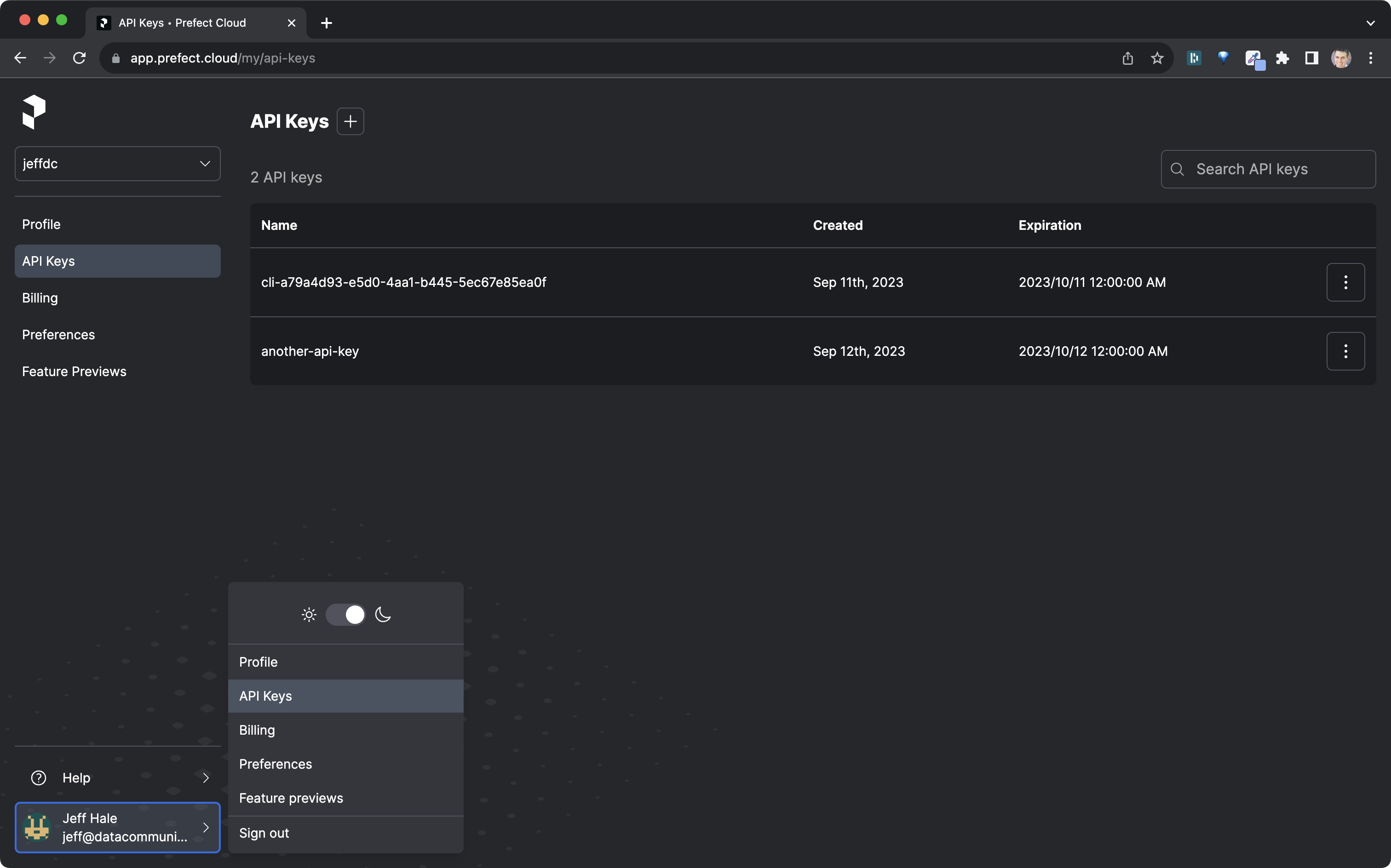
3. Select the **+** button to create a new API key.
Provide a name for the key and an expiration date.
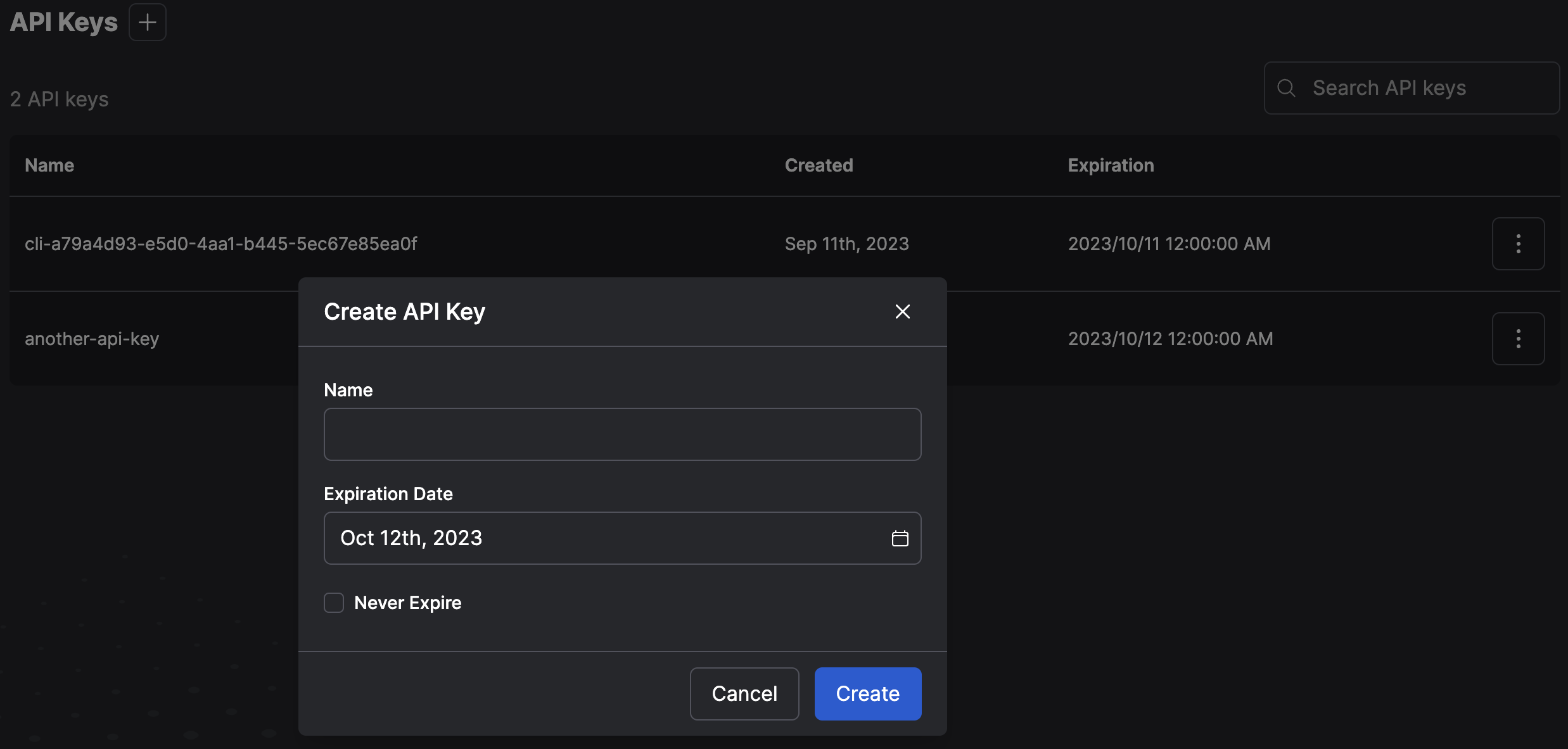
Copy the key to a secure location since an API key cannot be revealed again in the UI after it is generated.
## Log into Prefect Cloud with an API Key
```bash
prefect cloud login -k ''
```
## Service account API keys (Pro) (Custom)
Service accounts are a feature of Prefect Cloud [Pro and Custom tier plans](https://www.prefect.io/pricing) that enable you to
create a Prefect Cloud API key that is not associated with a user account.
Service accounts are useful for configuring API access for running workers, or executing flow runs on remote infrastructure.
Events and logs for flow runs in those environments are associated with the service account rather than a user. Manage or revoke API access by\
configuring or removing the service account without disrupting user access.
See [service accounts](/3.0rc/manage/cloud/manage-users/service-accounts/) for more information.